Deadshot.io
- Aimlock, target selection, slide prediction, and auto-fire
- ESP boxes, names, health, skeletons, radar, snaplines, and off-screen arrows
- Selected-target HUD, focus zoom, clarity, recoil compensation, and frame timing
Windows desktop client
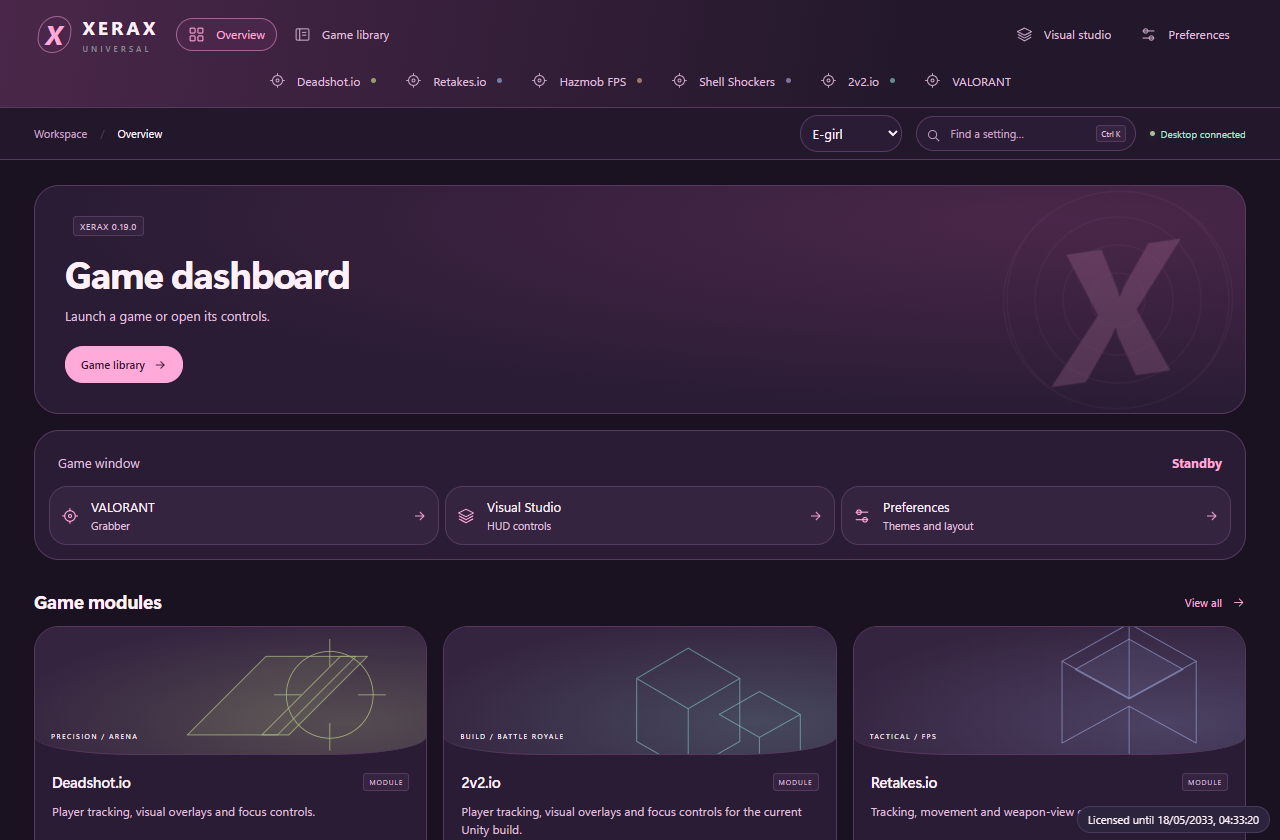
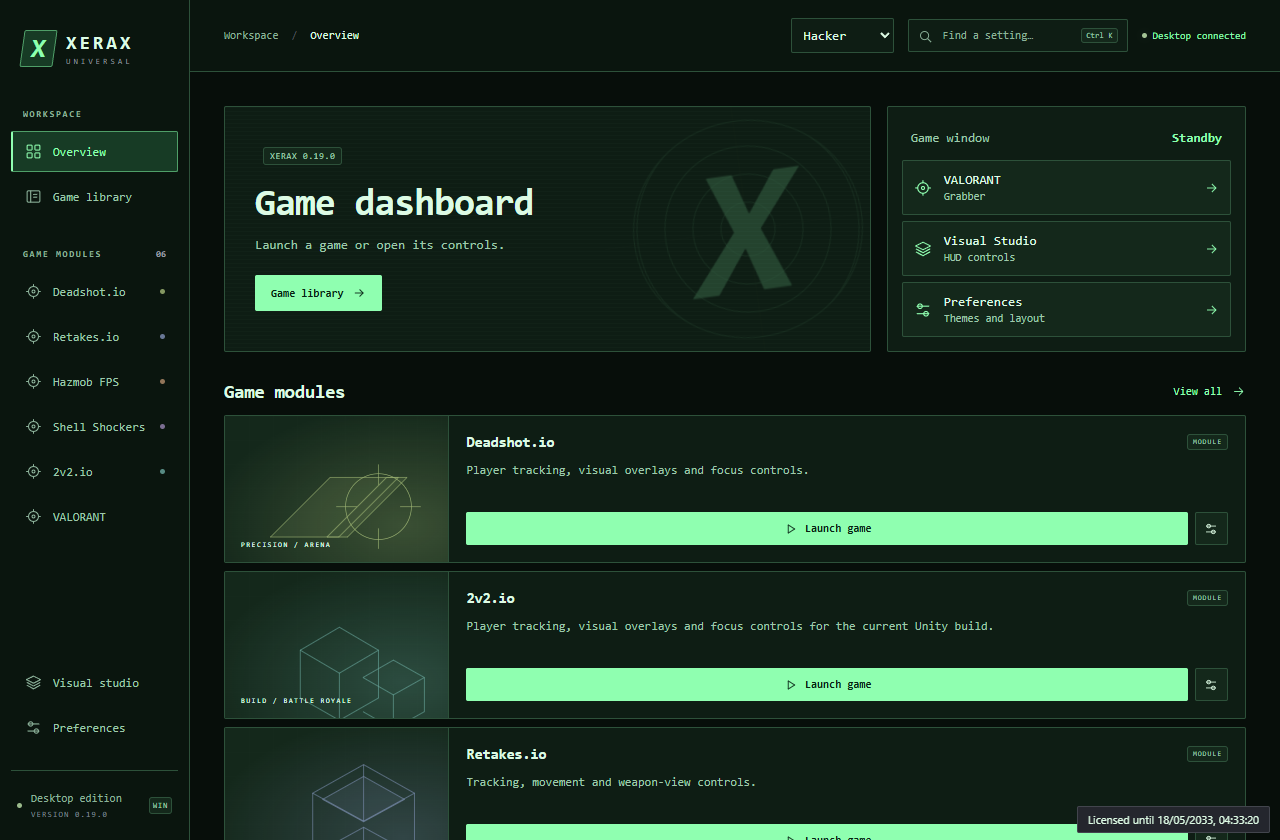
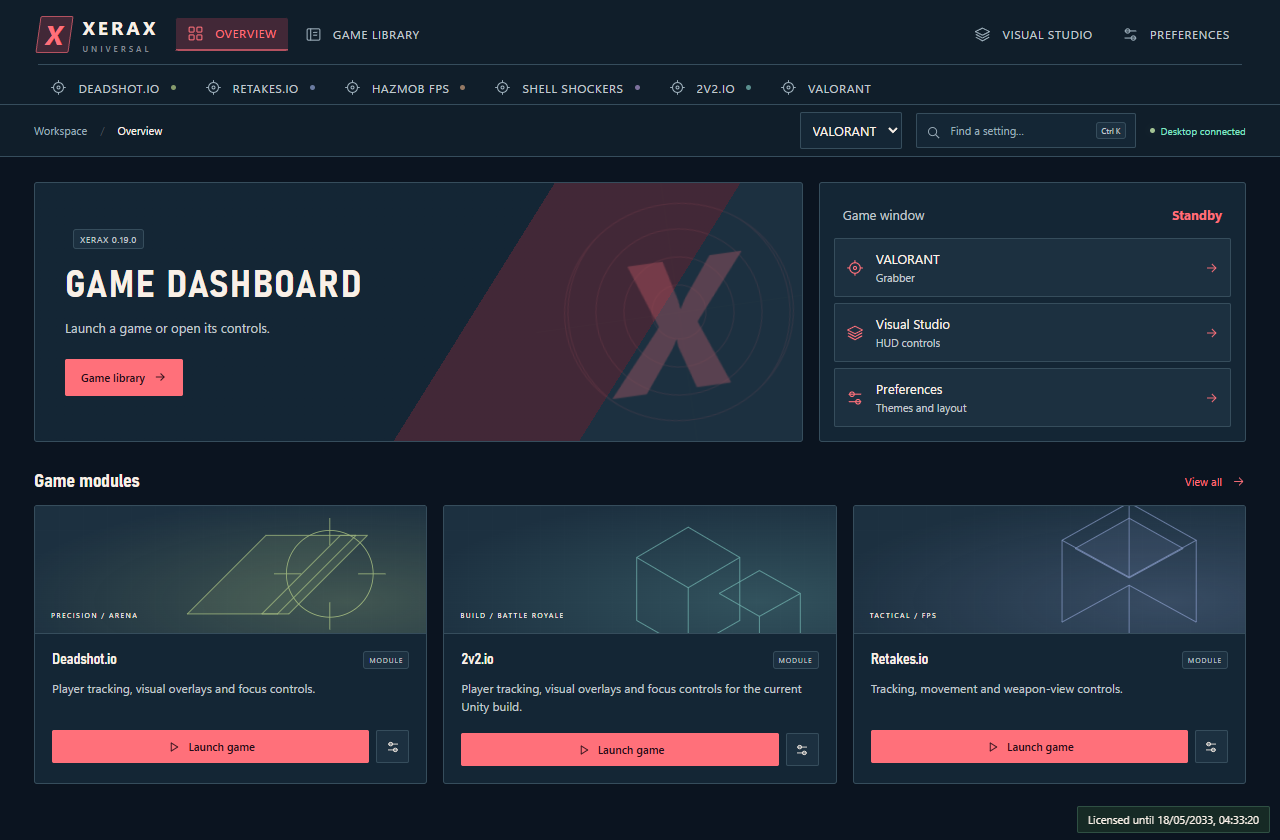
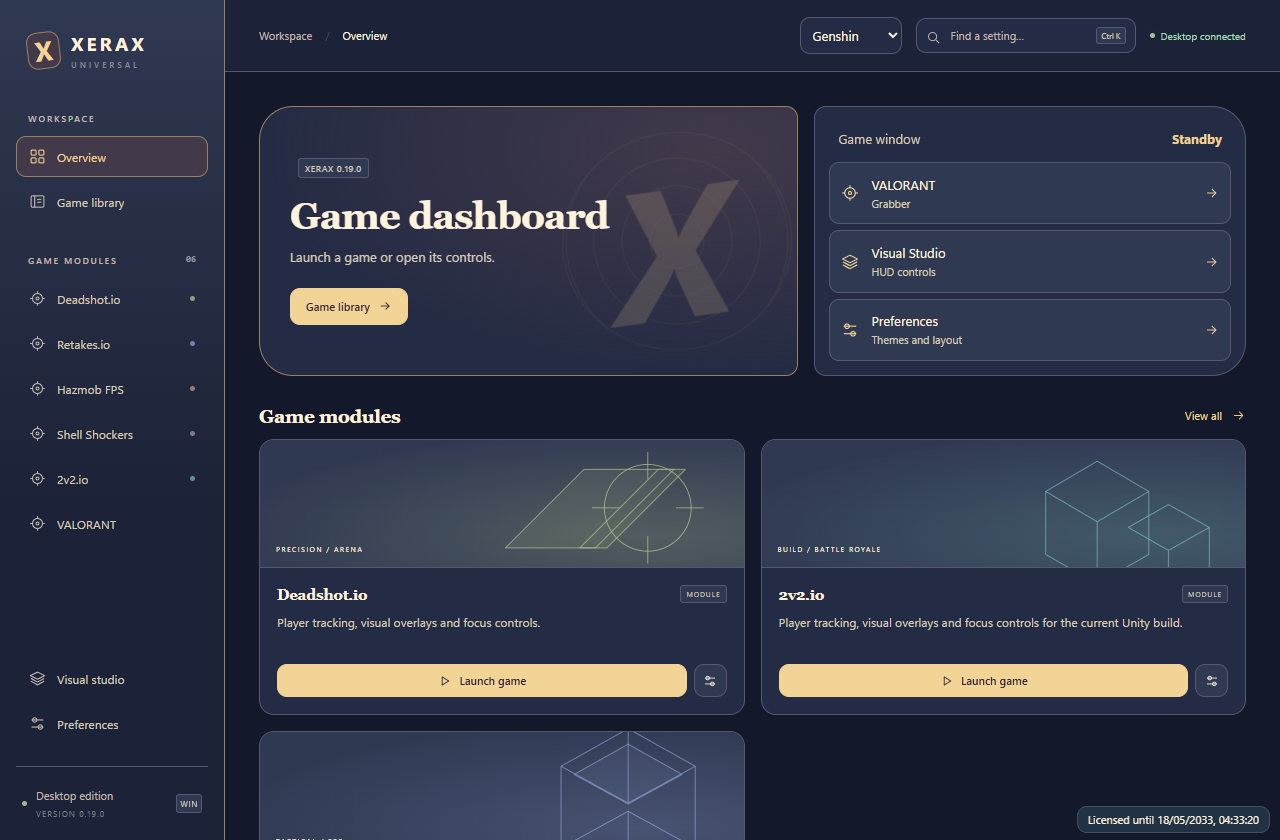
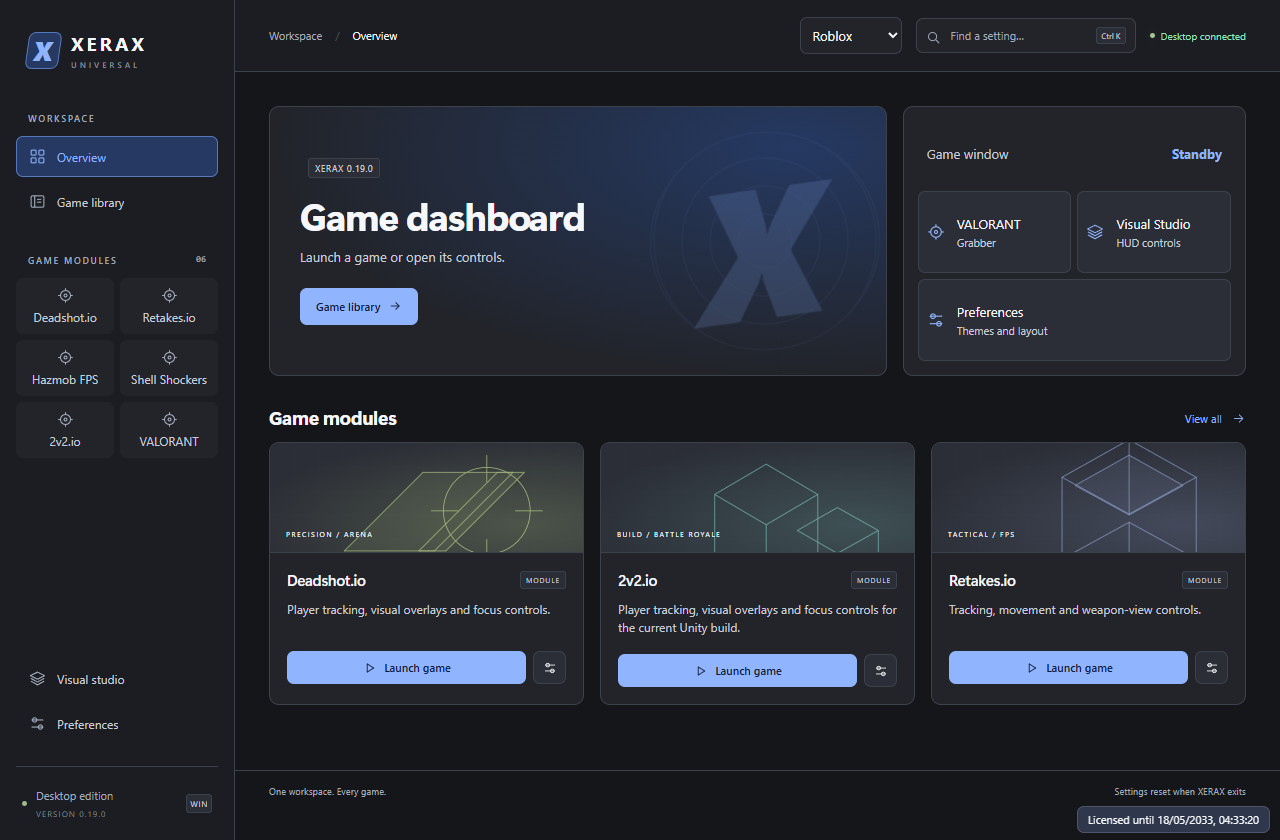
Game controls, live diagnostics, and a VALORANT roster viewer in a themeable desktop workspace.
Explore the features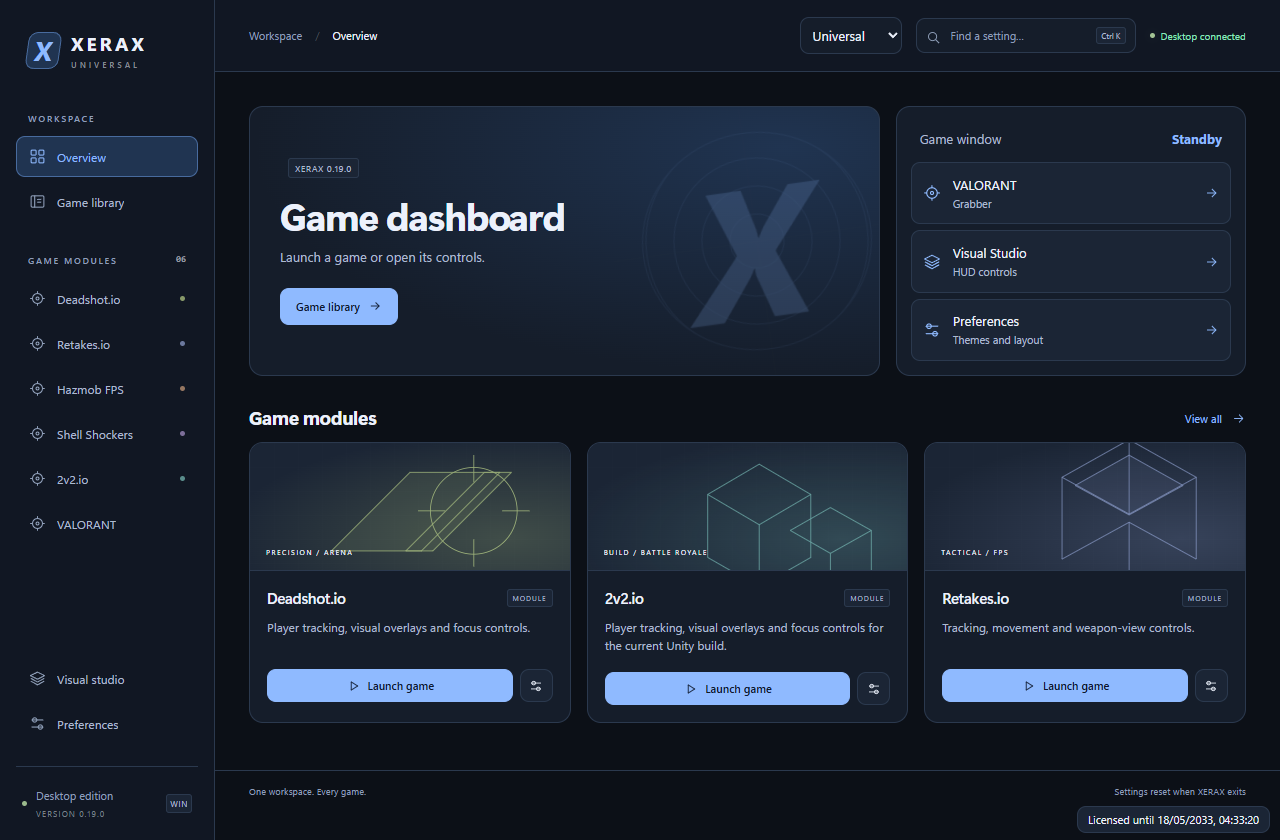
Launch giveaway
Bug fixes are in progress. Thanks to everyone who shared feedback!
Game library
VALORANT companion
Read the active match from the signed-in Riot Client. See the team roster in agent select and both sides once the match starts.
Incognito names are hidden.
| Username | Vandal | Phantom | Sheriff | Ghost | Current | Peak | Level |
|---|---|---|---|---|---|---|---|
| Team | |||||||
| Cloudline#001 | Neptune | Oni | Singularity | Standard | Diamond 2 | Ascendant 1 | 143 |
| Enemy | |||||||
| Afterglow#002 | Prime | Helix | Standard | Recon | Platinum 3 | Diamond 1 | 92 |
Desktop workspace
Preview and adjust the shared HUD, including crosshair, centre dot, clock, FPS, focus tint, and accent.
Launch, focus, or close the embedded game window. Find a control from anywhere with Ctrl + K.
Check module connection, tracking, frame timing, and match readings where supported.
Switch layouts from the top bar. Theme, compact controls, and animation preferences persist between sessions.
Appearance